Remove a participant
LANDAUER direct allows you to deactivate a participant or area dosimeter. It will still be available to allow checking the information and history of dose.
Once inactive, you can choose to display them or not. If you display them, they will appear at the end of the list and will be grayed out.
At any time, you can reactivate a participant if needed.
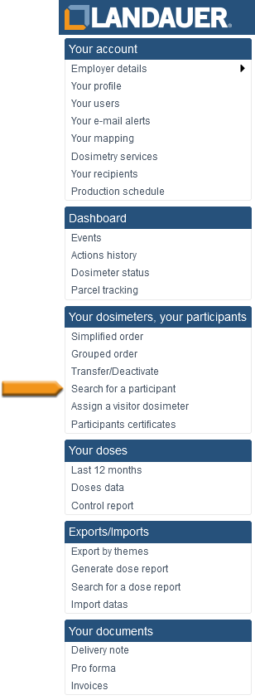
- Go to the “Search for a participant” menu on the left of your screen
- Fill in the “Participant name” or “Participant number” fields.
You can enter only the first letter. - Validate with the “Search” button
- Select the participant on the list by clicking on his participant number
- Click on the button “Disable” on the right of your screen
Beware, please note that deactivation is immediately performed.
All the participant’s dosimeters that are not yet manufactured will be canceled. The one manufactured will be shipped.